
Seedance 2.5 vs Grok Imagine: Which Video Workflow Fits Your Shot?
Compare Seedance 2.5 vs Grok Imagine by shot type, source assets, motion risk, review speed, and usable-output cost—not showcase clips.
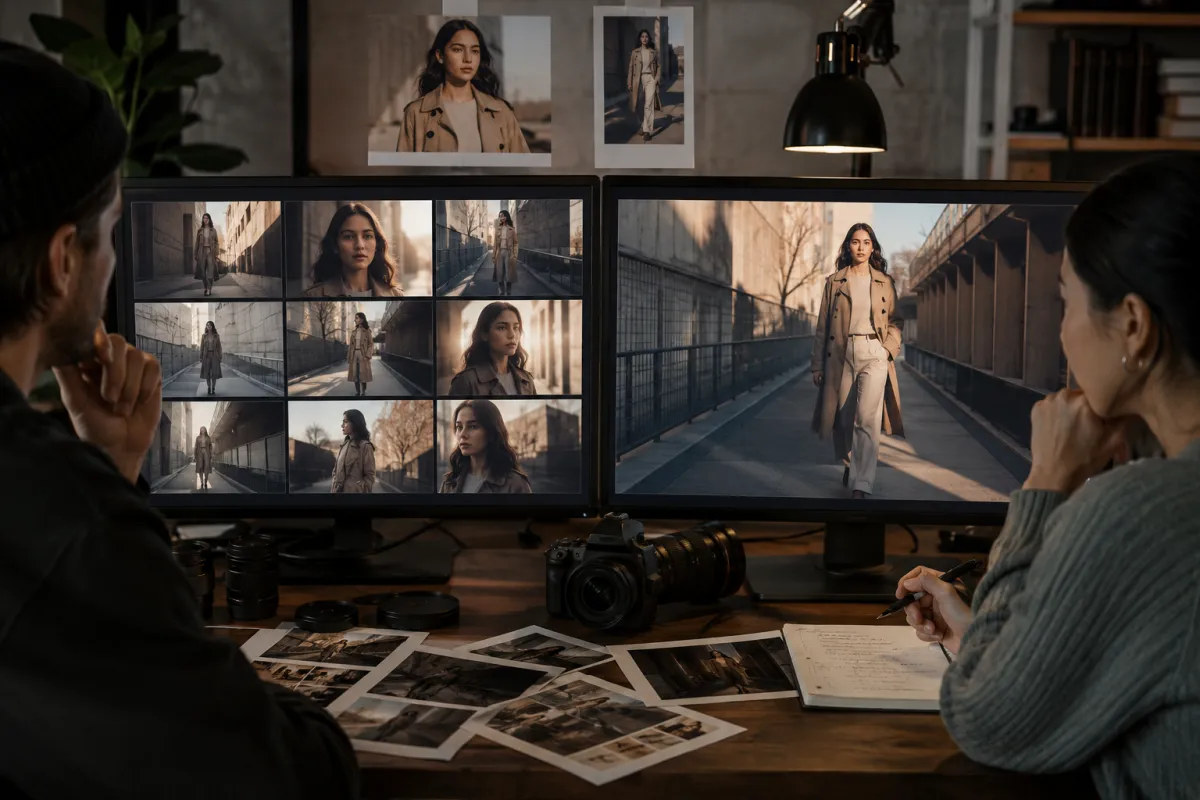
Seedance 2.5 vs Grok Imagine is a workflow choice, not a permanent winner. Start with Seedance 2.5 when the shot needs deliberate reference control and a tightly specified motion plan. Start with Grok Imagine when rapid, low-friction variations matter more than building a complex reference stack. Test both with the same brief in the AI video generator before committing a batch.
Last updated: August 11, 2026 · ~9 min read
The names on a model menu can make the decision feel bigger than it is. You do not need to decide which model is “best at video.” You need to decide which one deserves the first run for one specific shot—and when the output is good enough to keep.
This comparison separates model behavior from host features. The live generator, allowed inputs, duration options, queue, credits, and export controls can change independently from the underlying model. Check the current interface and pricing page before planning a paid production run.
Quick decision: which model should you test first?
| If your brief says... | Start with | Why |
|---|---|---|
| “Keep this person or product recognizable across a planned shot.” | Seedance 2.5 | The brief benefits from preservation language and deliberate reference handling. |
| “Give me several visual directions quickly.” | Grok Imagine | A rapid variation loop is more valuable than a heavy setup. |
| “The ending pose and camera stop must be reviewable.” | Seedance 2.5 | You can frame the test around a precise motion arc and final beat. |
| “We are still discovering the style.” | Grok Imagine | Fast alternatives help narrow the art direction. |
| “The source contains hands, labels, or small product geometry.” | Test both | Those are failure-prone details; the usable-output rate matters more than the first preview. |
| “The clip is only a rough storyboard.” | Grok Imagine | Speed usually matters more than pixel-level continuity. |
These are starting points, not quality claims. A simple prompt may favor one model; a reference-heavy product shot may reverse the result.
What changes between the two workflows?
Seedance 2.5: plan the shot before the render
A Seedance 2.5 test works best when you can state the visual contract clearly:
- what the opening frame establishes;
- what the subject does;
- how the camera moves;
- which details must remain stable;
- where the shot ends.
That makes it a practical first choice for product demos, character-led clips, or scenes where continuity matters more than surprise. If you already have a strong source, use the Seedance 2.5 image-to-video workflow. If the scene starts from a written brief, use Seedance 2.5 text to video and keep the first run simple.
Grok Imagine: use fast variations to find the direction
xAI's current official video-generation documentation describes text-to-video, image-to-video, video editing, and continuation through its API. The exact controls available on any host may be a subset, so the live generator remains the source of truth for what you can submit here.
Grok Imagine is useful when the creative direction is not settled. Run compact variations, reject weak directions quickly, and carry the strongest idea into a stricter production brief. Fast iteration only helps if you name the decision each run is testing: camera, action, lighting, style, or ending—not all five at once.
Use the same test brief
Do not compare a carefully prepared Seedance render with a vague Grok prompt. Use one source image, one prompt, one aspect ratio, the nearest available duration, and the same acceptance criteria.
Example brief:
Use the uploaded image as the opening frame. The fully clothed adult subject takes two slow steps toward the window while the camera makes one gentle push-in. Keep facial identity, hairstyle, jacket shape, body proportions, window geometry, and light direction stable. End on a steady medium shot after the subject stops. No duplicate person, abrupt camera jump, wardrobe change, or melting background.
Record the settings shown by the host at generation time. If one model lacks an equivalent control, note the difference instead of pretending the tests are identical.
Score usable output, not visual excitement
Use a 0–2 score for each item: 0 fails, 1 usable with repair, 2 usable as generated.
| Review item | What to inspect |
|---|---|
| Subject continuity | Face, hair, body proportions, clothing, and movement direction |
| Object geometry | Product edges, handles, closures, labels, and contact points |
| Camera behavior | Direction, speed, shake, lens feel, and final stop |
| Motion logic | Weight, foot placement, hand contact, and cause-and-effect |
| Background stability | Straight lines, reflections, repeated objects, and depth |
| Ending usability | Clean composition, settled motion, and room for an edit |
Add the six scores, then record how many attempts it took to reach that result. A beautiful 11/12 clip after eight failures may be less useful than a repeatable 9/12 clip after two attempts.
Compare cost per usable clip
Sticker price is only one part of cost. Use this calculation:
Usable-output cost = total credits or spend across all attempts ÷ number of accepted clips
Also record review time. Cheap generations can become expensive if a person must inspect dozens of broken variants. A slower or higher-priced run can still win if it reaches the acceptance threshold reliably.
Do not hard-code a price from this article into a client quote. Model prices, host credit conversion, free allowances, and queues change. Confirm the live Seedance pricing when the batch is approved.
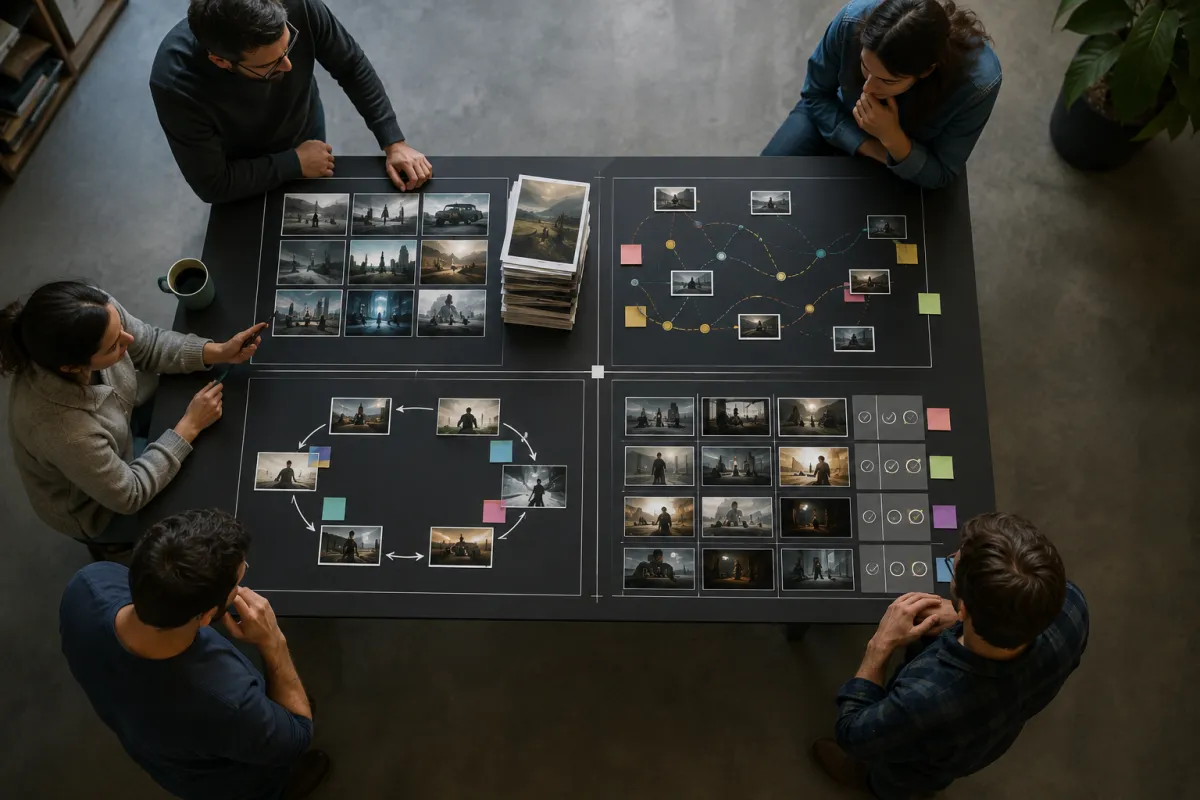
Route the shot by production risk. The model name is only one variable in the decision.
Three tests that reveal the difference quickly
Test 1: a locked product shot
Use a clean product image, a locked camera, one light movement, and no rotation. Inspect silhouette, material, small details, and shadows. This removes camera complexity and shows whether the source survives basic animation.
Test 2: a portrait with one action
Ask one consenting adult to turn their head slightly or take two steps. Protect identity, outfit, and background. Inspect hands, facial drift, limb length, and the point at which motion starts and stops.
Test 3: a style exploration
Start from text or a non-sensitive visual reference and request three distinct art directions. Keep the action and camera identical. This test favors a rapid exploration workflow and shows whether variation produces genuinely useful choices rather than cosmetic noise.
Common comparison mistakes
- Comparing different source images. Source quality may explain more than the model.
- Using different prompt detail. Protection language cannot help the model that never received it.
- Judging only the best frame. Review the whole clip, including the transition into the ending.
- Ignoring host settings. Resolution, duration, aspect ratio, and mode can change the result.
- Counting generations instead of accepted clips. Production value comes from usable output.
- Treating model updates as timeless facts. Put the date and selected model version in your notes.
For prompt structure, use the Seedance 2.5 prompt examples. For recurring deformation, work through the warping diagnosis guide before switching models blindly.
Rights and responsible testing
Only upload people and assets you have permission to use. Do not animate a real person deceptively or present a generated event as evidence. For commercial work, record the source license, consent, prompt, model selection, generation date, and any edits made after export.
Read the reference image rights checklist before a client batch and the privacy policy for the current host terms.
Frequently asked questions
Is Seedance 2.5 better than Grok Imagine?
Not for every shot. Seedance 2.5 is a sensible first test for a deliberate, reference-led motion plan. Grok Imagine is a sensible first test for rapid creative variations. The useful winner is the workflow with the lower cost and review time per accepted clip.
Is Grok Imagine good for image-to-video?
xAI's current official documentation includes image-to-video. The controls available on this site depend on the live host integration, so check the generator before assuming a particular duration, resolution, or editing mode.
Which one is cheaper?
Prices and credit conversion change. Compare the current price of all attempts, then divide by accepted clips. The lower headline price is not automatically the lower production cost.
How many test runs do I need?
Start with three controlled runs per model: a simple baseline, one harder motion, and one repeat of the most promising setup. That is enough to expose many continuity and repeatability differences without pretending it is a universal benchmark.
Related guides
- Open the AI video generator →
- Try Seedance 2.5 image to video
- Build a Seedance prompt
- Compare Seedance 2.5 and Kling
- Check current pricing
Make the next render answer one question
Choose one shot, one source, and one acceptance threshold. Run the same controlled brief in both available workflows, record the attempts, and choose from the evidence. Open the AI video generator and make the first test deliberately boring—the simple baseline is what makes the harder result meaningful.