
Script to AI Video: Turn One Short Brief Into a Seedance 2.5 Shot Plan
Turn a short script into an AI video plan with a Seedance 2.5 workflow for beats, references, prompts, timing, and a usable final cut.
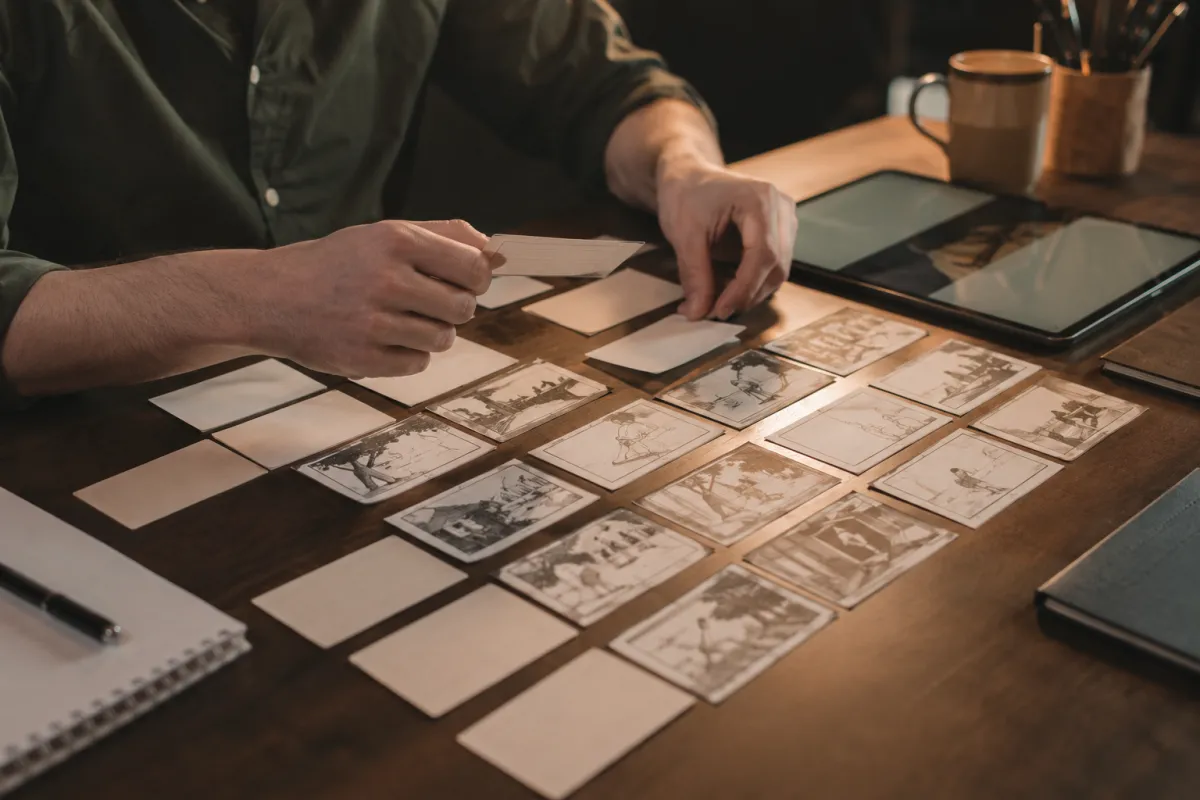
To turn a script into AI video, reduce the script to a few visible beats before you generate. Give each beat one subject, one action, one camera idea, and one purpose in the edit. With Seedance 2.5, that shot plan is more reliable than pasting an entire voiceover into one prompt and hoping the model finds the story.
Last updated: July 20, 2026 · about 8 min read
The phrase “script to AI video” sounds like a single conversion. In practice, a good workflow has a translation step. A script tells us what someone says or what the audience should understand; a video prompt needs to say what is visible, how it changes, and what must remain stable.
Turn one paragraph into visible beats
Start by marking the shift in the idea, not every sentence. A 15- to 30-second video often needs three to five visual beats.
| Script purpose | Visible beat | Prompt job | Editing note |
|---|---|---|---|
| Hook | Show the subject or problem immediately | Clear subject and first frame | Leave space for a headline if needed |
| Context | Establish place, product, or character | One stable wide or medium shot | Keep the visual simple |
| Change | Show a believable action or reveal | One action and one camera move | Avoid competing actions |
| Payoff | Show the result or emotional turn | Clean hero frame or reaction | Hold long enough to cut |
| Close | Make room for the next step | Stable final composition | Add exact copy in the editor |
For example, a short product script that says “Here is the lighter way to pack for a weekend” might become: bag on a bed, one hand places three items inside, zipper closes, then a clean travel-ready frame. It does not need five paragraphs of narration in the prompt to communicate the idea.
Build a prompt for one shot, not the whole film
Each shot prompt should preserve the necessary elements and describe only the motion you need.
A compact weekend bag on a neatly made bed in soft morning light. One hand places three folded travel items inside, then gently closes the zipper. Slow overhead camera move. Keep the bag shape, fabric texture, hands, and background stable. End on a clean centered frame.
The prompt includes subject, setting, action, camera, preservation rules, and ending. If you have references, connect each one to a job—product appearance, character, location, color direction, or end-frame composition. Do not attach references that pull the shot in different directions.
Read Seedance 2.5 prompt examples for more patterns, and use camera movement prompts only after the basic action is stable.
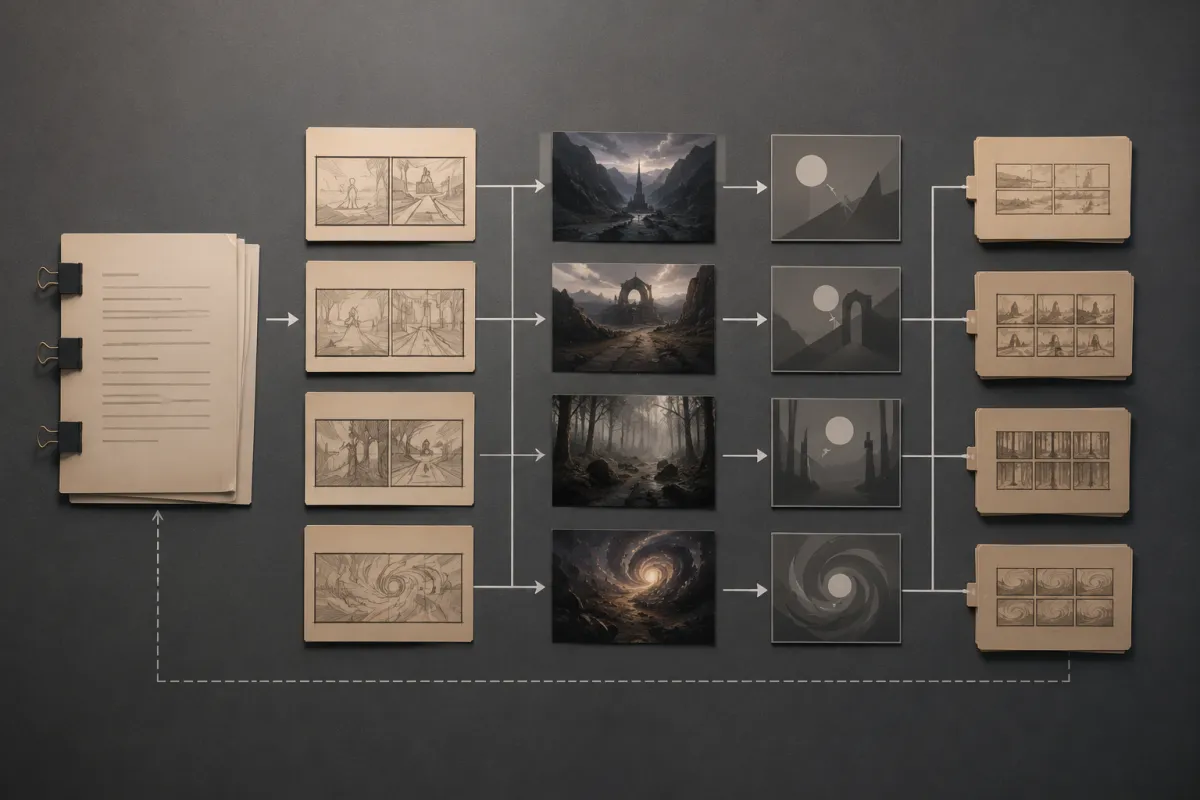
The generation step is only one part of the workflow: the important creative choice happens when the script becomes a visible sequence.
Keep timing practical
Do not ask a single short clip to explain every benefit, show three locations, and finish with a precise text card. Put the most important visual idea first. If the script needs a clear progression, make separate shots and edit them together.
| Video length | Sensible starting plan |
|---|---|
| 6–8 seconds | One subject, one action, one camera move |
| 10–15 seconds | Two or three connected beats |
| 20–30 seconds | Three to five planned beats with a clean payoff |
Use aspect ratio and duration planning before you render. A vertical social cut and a wide product page video need different framing from the start.
Review the render against the script
After each render, ask whether it carries the line it was assigned. Do not ask whether it looks “cinematic” in the abstract.
- Does the opening frame explain the hook without audio?
- Is the subject recognizable through the action?
- Did the model invent a claim, label, or feature that is not real?
- Does the ending hold long enough to use in an edit?
- Is there one precise change for the next version?
If a shot fails, simplify before adding more words. A quieter action, a clearer source, or a shorter camera move is often a better correction than piling on adjectives. Avoiding warped AI video is a useful troubleshooting pass when the subject loses shape.
Keep facts outside the generation prompt
Use the generated sequence for visual storytelling. Put exact prices, legal copy, product claims, captions, and brand spelling into a regular editor after review. That division prevents a visually appealing render from becoming a source of factual errors.
For client work, share a short shot list with the draft output: source rights, intended message, what was generated, and what was added in post. The client video mockup workflow gives a practical way to set that expectation.
FAQ
Can AI turn a full script into a finished video automatically?
It can help generate visual shots, but a script usually needs to be translated into a beat map and reviewed in an edit. Exact copy, claims, and pacing still need human decisions.
How long should an AI video prompt be?
Long enough to define one shot: subject, setting, action, camera, preservation rules, and an ending frame. Adding unrelated scenes or copy can make the result less stable.
Should I generate one long video or separate shots?
Use a single planned scene when the action is simple and continuous. Use separate shots when the script changes location, message, or camera purpose; the edit will be easier to control.
What should I do if the output does not match the script?
Identify the missing visual beat, then simplify the next prompt. Check the source material, reduce motion, clarify the ending, or split the scene rather than adding every script sentence to one request.
Give the script a visible structure
Open Seedance 2.5, map your short script into visible beats, and generate one controlled shot at a time. That approach creates video material you can review and edit, rather than a single opaque render that tries to do everything at once.