
Seedance vs Hailuo: Which AI Video Model Fits Your First Test?
Compare Seedance 2.5 and Hailuo with one fair first test: source quality, prompt control, motion stability, iteration, and usable final frames.
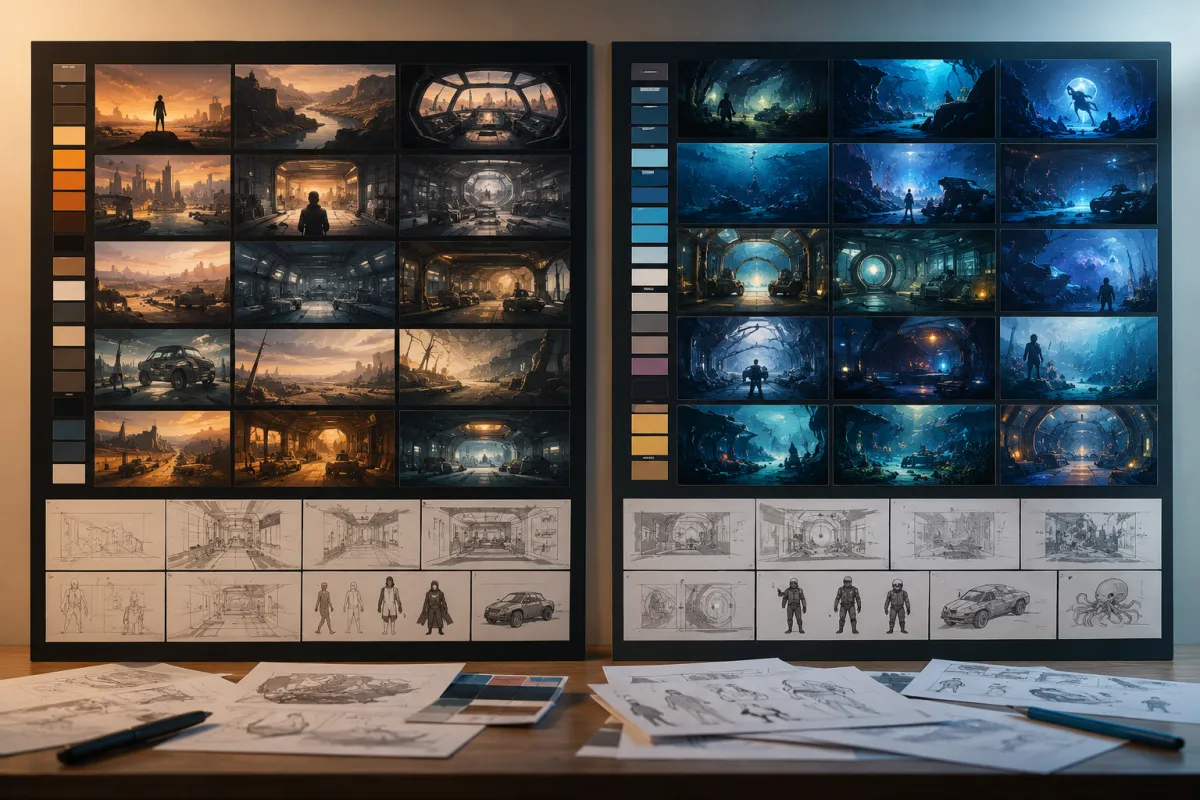
The Seedance vs Hailuo choice is best answered with a small, matched test—not a generic winner. Use Seedance 2.5 when your first project needs a clear shot plan, multiple reference cues, and a refinement-minded workflow. Test Hailuo when its creative tools or current workflow already suit your team. In both cases, judge the same source image and the same simple motion request.
Last updated: July 20, 2026 · about 8 min read
AI video model pages change quickly, and feature lists rarely tell you which tool will fail less often for your source material. For a Seedance vs Hailuo test, begin with the job: a product reveal, a character moment, an editorial mood clip, or a short social concept. Then compare the two models under the same constraints.
The short answer: choose the workflow, then test it
| If your first test needs… | Start with | What to verify |
|---|---|---|
| A structured brief with reference cues and a defined ending frame | Seedance 2.5 | Whether the subject and planned sequence stay coherent |
| A familiar Hailuo workflow or a quick creative exploration | Hailuo | Whether the intended motion is usable without identity drift |
| A product that must remain recognizable | Either, with a conservative prompt | Label, silhouette, color, and final-frame stability |
| A person or character with a specific look | Either, with permitted source material | Face, hands, wardrobe, and background consistency |
The comparison is not a lab benchmark. It is a production decision. The better model for your Seedance vs Hailuo project is the one that gives you an editable, truthful clip with fewer avoidable reruns.
Use the same source and the same prompt
The fastest way to make an unfair comparison is to give one model a polished prompt and the other a vague idea. Instead, prepare one clean source image: the main subject is visible, the background is simple, edges are clear, and you have permission to use it.
Run a conservative first prompt in both tools:
Preserve the uploaded subject, composition, colors, lighting, and background. Create a slow camera push-in with subtle natural movement. Keep the face, hands, product shape, and scene stable. End on a clean frame that can hold for one second.
Do not add a complicated transformation until both models can handle the quiet version. If the product or person breaks during a simple camera move, a bigger action prompt will not make the comparison more useful.
For a Seedance-first prompt structure, use the Seedance 2.5 text-to-video prompt guide. If your input is a still image, the image-to-video guide helps you prepare it before rendering.
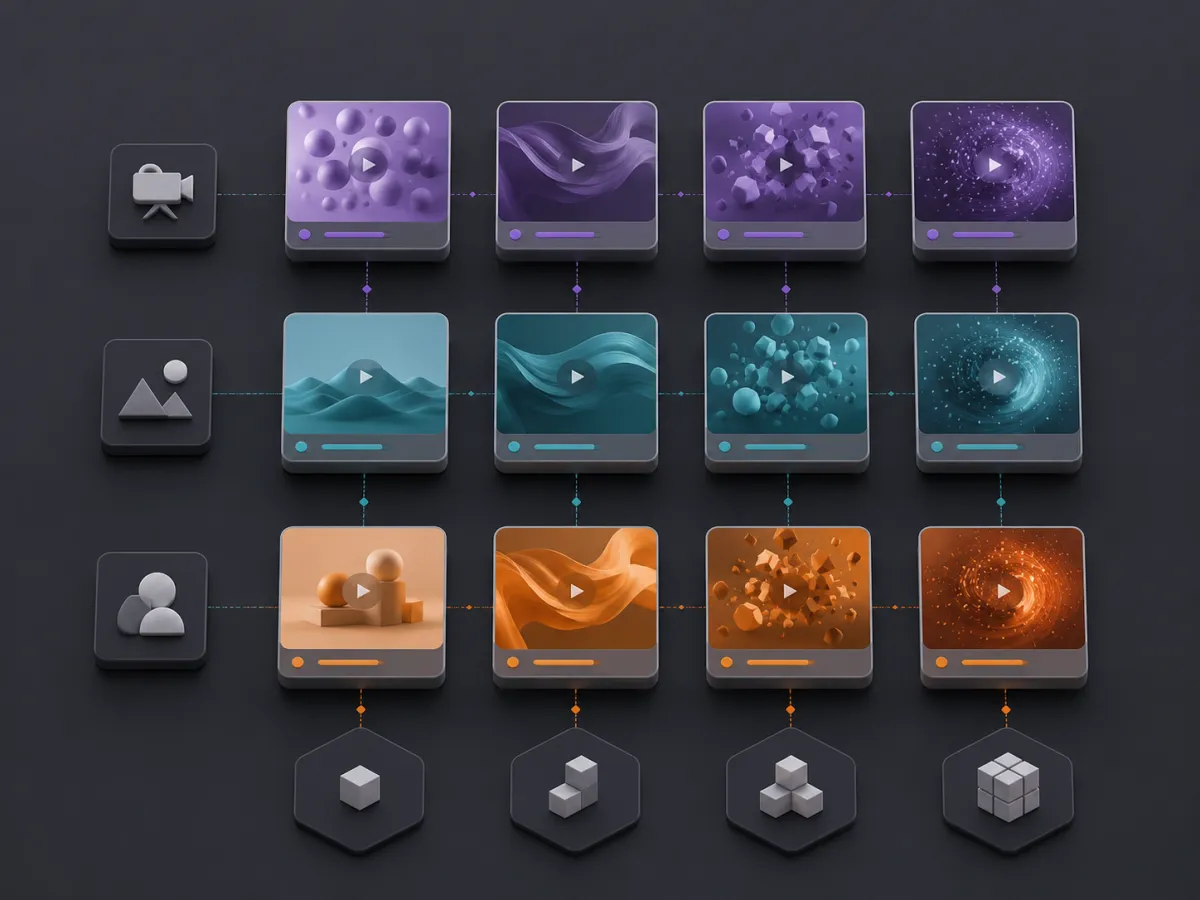
Compare the same decision points for both tools: subject stability, motion, background, and the final usable frame.
Review the result frame by frame
Watch each output twice: once for the overall feeling, then once for the parts that make it usable in an edit.
- Subject: Does the person, character, or product remain recognizable?
- Motion: Is the movement intentional, or does it start smoothly and then wobble?
- Details: Do hands, clothing edges, packaging, or small objects stay plausible?
- Camera: Does the direction support the message instead of hiding the subject?
- Ending: Can you use the final second for a logo, a cut, or a hold?
- Recovery: Can you name one change that might improve the next render?
The final point matters. A model does not need to be perfect in one attempt. It needs to give you a failure you can diagnose: weaker source image, too much action, a conflicting reference, or an ending that was never specified.
Match the test to your actual brief
Keep the test small, but make it resemble real work. If you make product clips, use your own permitted product photo. If you make character scenes, use a character reference with stable lighting. Do not choose an impressive but irrelevant demo just because it flatters one model.
For a longer Seedance planning workflow, map the sequence before generation with Seedance prompt storyboards. For a commercial use case, Seedance product video planning covers the parts that need a human review after the render.
Avoid a false winner
A single beautiful clip can be luck. A useful comparison has at least two rounds:
- The preservation test: one source and one restrained motion request.
- The brief test: the same source with one extra requirement, such as a camera pan or a clear ending frame.
Keep notes on what changed. If Hailuo makes a stronger first mood clip but loses subject detail, that is useful information. If Seedance 2.5 gives you a cleaner planned sequence but needs a simpler source, that is useful too. The answer becomes specific enough to guide the next project.
FAQ
Is Seedance 2.5 better than Hailuo?
Not in every workflow. Seedance 2.5 may be the better starting point for a reference-aware, planned shot workflow; Hailuo may fit teams that already prefer its creative environment. Compare the same source, prompt, and review criteria before deciding.
What is the fairest way to compare AI video models?
Use the same permitted source image, the same short preservation prompt, similar duration goals, and the same checklist for subject stability, motion, detail, and final-frame usability.
Should I test a complex prompt first?
No. Start with a slow camera move and subtle motion. Add complexity only after you know how each tool preserves the subject in a simple scene.
Can I use generated footage as proof of a product feature?
No. Generated footage is a creative asset, not evidence of an unverified product claim. Add factual copy and exact product details in a normal review and editing workflow.
Make the comparison earn its answer
Open Seedance 2.5, start with one clean source and one conservative shot, then compare it with Hailuo on the same brief. A repeatable test tells you more than a feature table—and gives you a better starting point for the next video.