
Seedance Fashion Video Prompts: Plan a Short Lookbook Clip From One Reference Image
Use Seedance fashion video prompts to turn one reference image into a controlled lookbook clip, with practical advice for motion, fabric, and consistency.
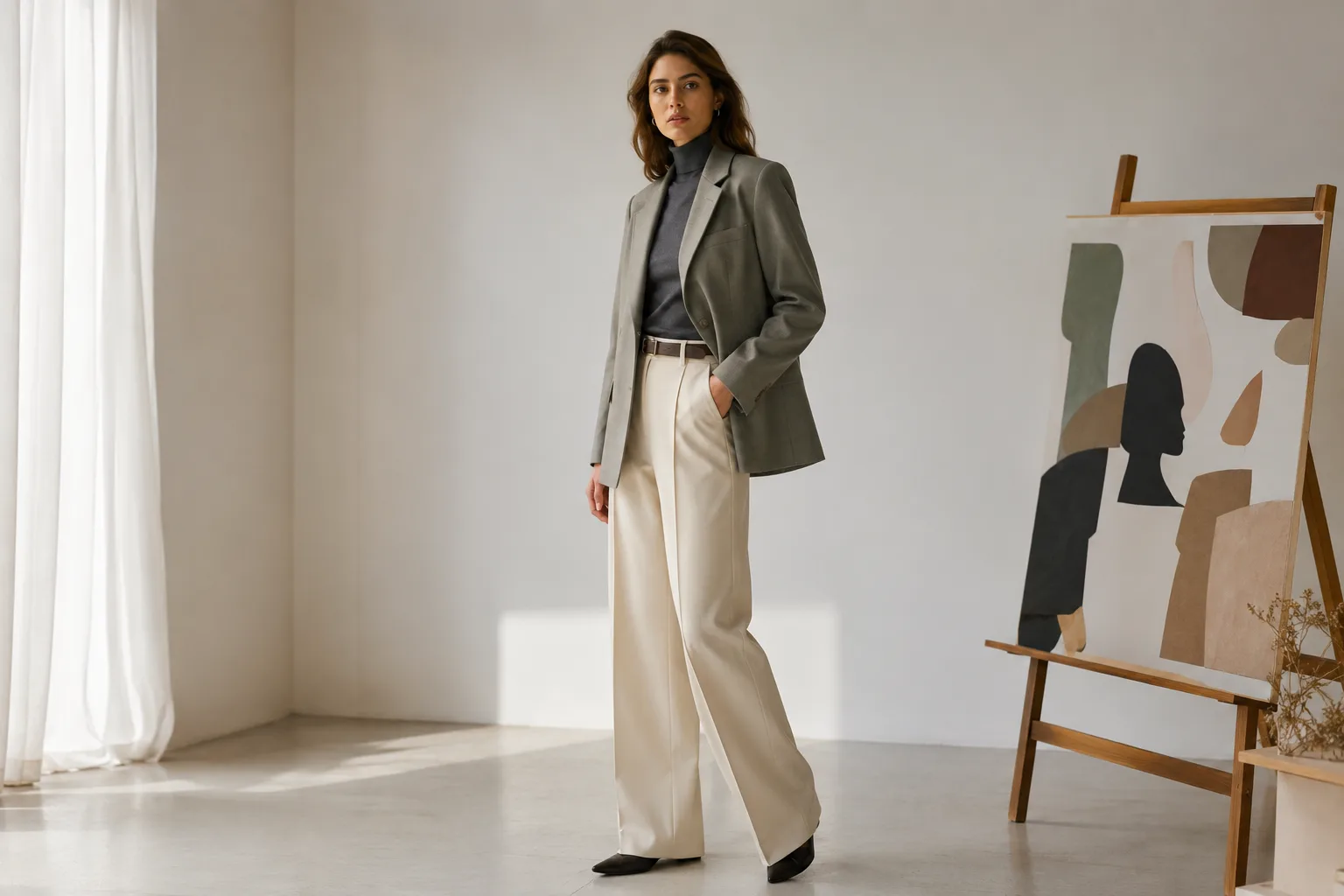
A useful Seedance fashion video prompt describes a single reference image, one camera move, one small subject action, and the details that must stay stable. For a lookbook clip, less motion usually produces a more believable result than asking for a runway turn, wind, a zoom, and a new outfit in the same sentence.
Last updated: July 22, 2026 · about 6 min read
Fashion footage is demanding because viewers notice fabric, hands, face consistency, and the way a garment moves. Start with a good reference image, then give the image-to-video AI model a short and testable shot brief. An image-to-video AI prompt becomes easier to evaluate when it describes one shot rather than an entire campaign.
Build the prompt around a single shot
Use this order: subject, clothing details, camera movement, small action, lighting, then constraints. The point is not to make the prompt poetic. It is to make it easy to see which instruction caused a failure.
A fully clothed adult model in a structured cream blazer, standing in a clean studio. Slow camera push-in. One small turn of the shoulders. Soft window light. Preserve face, garment seams, fabric texture, and background. No extra people, no fast movement.
| Lookbook goal | Safer motion | Avoid in the first pass |
|---|---|---|
| Show fabric and fit | Slow push-in | Wind, spinning, and heavy camera shake |
| Show a profile | Small shoulder turn | Full 360-degree turn |
| Show a handbag or detail | Gentle tilt toward the detail | Multiple props entering frame |
| Show a color story | Static pose with light movement | Changing lighting and wardrobe together |
Use the reference image as a constraint
- Begin with a clear, full or three-quarter reference image. Clothing edges, hands, and background should be visible.
- Generate one short shot with only a single motion. If it is stable, create a second variation with a different camera move.
- Compare the results against the original reference, not against a perfect imagined commercial. Check face, hand, seams, print scale, and object boundaries.
For the basics of turning a still image into motion, read the Seedance image-to-video guide. That image-to-video AI workflow is easier to review when the reference, motion, and constraints are all visible in one brief. If your subject needs to remain consistent across multiple clips, use the character consistency guide before expanding the sequence.
This is a concept visual, not a claim about a specific generated output.
Troubleshoot the most visible failures
| What changed | Likely cause | First adjustment |
|---|---|---|
| Fabric turns plastic or smooth | Too much motion or vague material detail | Reduce motion; name seams and texture |
| Hands or sleeves warp | Hands are hidden or asked to move too far | Use a reference with visible hands; request a smaller action |
| Face drifts | Too many changes in one shot | Keep identity and lighting constraints explicit |
| Background bends | Camera and scene changes compete | Use a simple background and one camera movement |
The best fashion-video workflow is often a sequence of modest shots: a slow push-in, a small profile turn, and a detail view. Create them as separate variations rather than demanding a full campaign in one generation. That is a more controlled way to use an image-to-video AI tool for fashion.
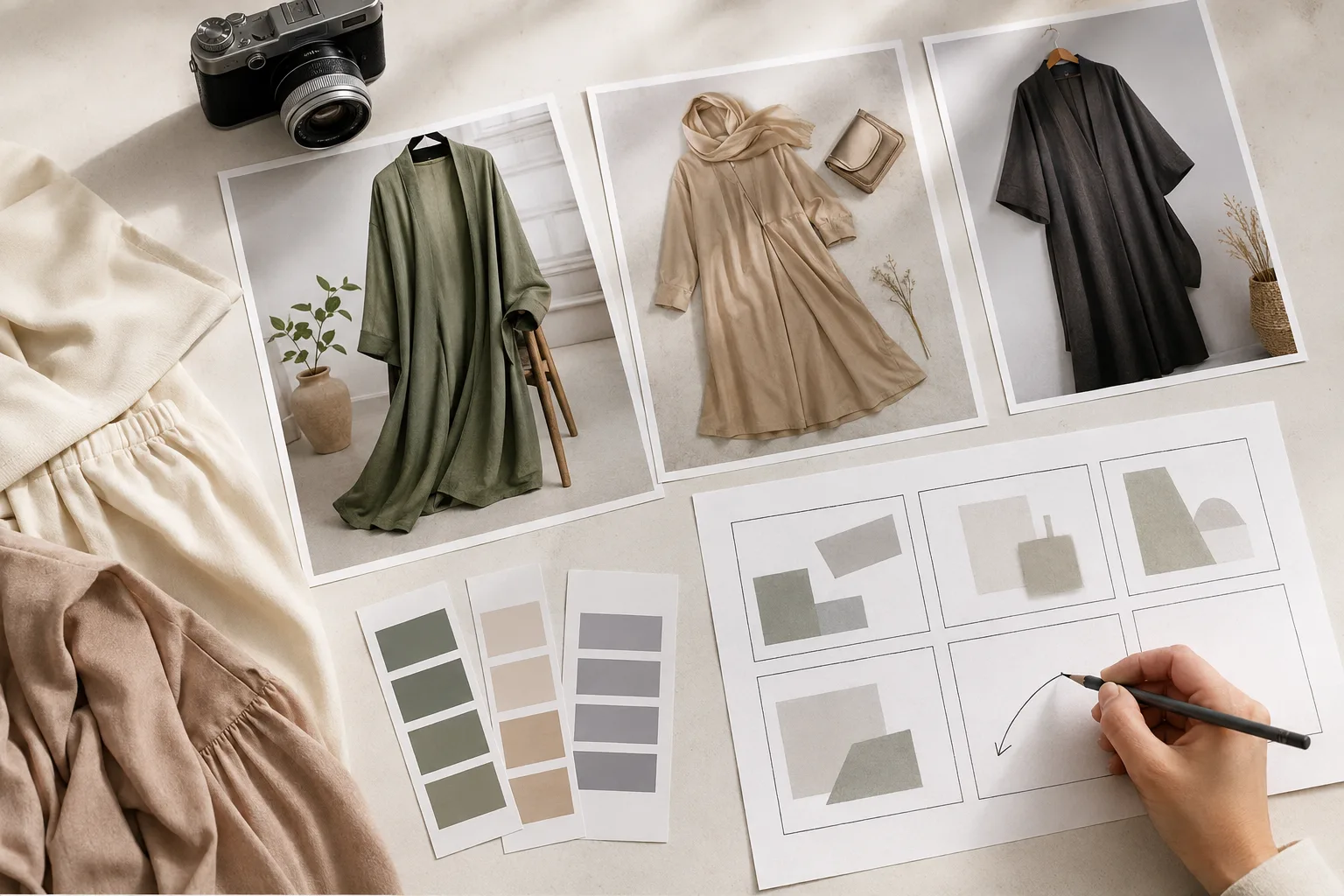
A short storyboard limits each clip to one job, which makes the output easier to evaluate.
Frequently asked questions
What makes a fashion video prompt work better?
Use one reference image, one camera move, one small subject action, and clear constraints for face, fabric, and background. Multiple major transformations in one prompt make the result less predictable.
Can I make a full fashion campaign from one image?
You can create useful short variations, but make each shot separately and review it before combining them. A single image does not guarantee accurate motion, garment behavior, or identity over a long sequence.
How do I keep clothes from changing in an image-to-video clip?
Describe the garment’s visible structure, such as seams, fit, print, or fabric texture, and keep movement small. In an image-to-video AI clip, start from a clean reference image with the garment fully visible.