
AI Explainer Video Generator: Seedance Guide
Use an AI explainer video generator for short concept clips by mapping one claim, one visual proof, and one next step before generating.

An AI explainer video generator works best when it explains one small idea per shot instead of trying to compress a whole pitch deck into one clip. In a Seedance prompt workflow, decide the claim, show one visible proof, and make the ending clear before you generate anything.
Last updated: July 12, 2026 - about 6 min read
Quick answer
For a 15-second explainer, plan three or four shots: a problem, a visible change, a proof or detail, and a next step. Each shot should have one subject and one action. Keep text, legal claims, and precise product facts in the final edit rather than asking a generative model to render them inside the image.
An AI video generator can help establish a concept, illustrate motion, or create a transition. It does not replace a factual script, accessibility captions, or review by someone who knows the product.
Use a claim-to-visual map
Start with the sentence you want the viewer to remember. Then choose a visual that supports it without adding new facts.
| Explainer job | One useful visual | What should stay in the edit, not the generated shot |
|---|---|---|
| Show a problem | A clear, relatable moment of friction | Exact statistics, logos, legal copy |
| Show a process | One item moving from state A to B | Detailed UI labels and product screens |
| Show a benefit | A simple before/after change | Guaranteed outcomes or performance claims |
| Close the clip | Calm final product or concept frame | CTA wording, price, eligibility details |
This map keeps the AI explainer video generator focused on what it does well: short, visual transitions. It also prevents a common mistake, which is relying on generated text or invented detail to carry the actual explanation.
Plan a short sequence
Write the shots before you write the prompt. A basic structure is enough:
- Problem: show the situation before the change.
- Mechanism: show one object, person, or scene moving through the change.
- Proof: show the finished state or a close detail.
- Next step: end on a stable frame for editor-added copy or a real product screen.
For example, an explainer about a reusable bottle could use a hand refilling the bottle, a close-up of the lid sealing, and a calm bag-ready ending. It does not need a generated graph, fake testimonial, or unreadable text on screen to make the point.
Keep prompts visual and narrow
An AI video generator prompt should describe movement and composition, not paste in the whole script.
close shot of a reusable bottle placed in a clean bag pocket, soft daylight, subtle hand movement, locked camera after the placement, keep the object shape and label area stable
The prompt gives the model one visible job. Add voiceover, captions, brand elements, and factual claims later in an editor where you can review them. For more examples of how to make one action clear, see Seedance prompt examples.
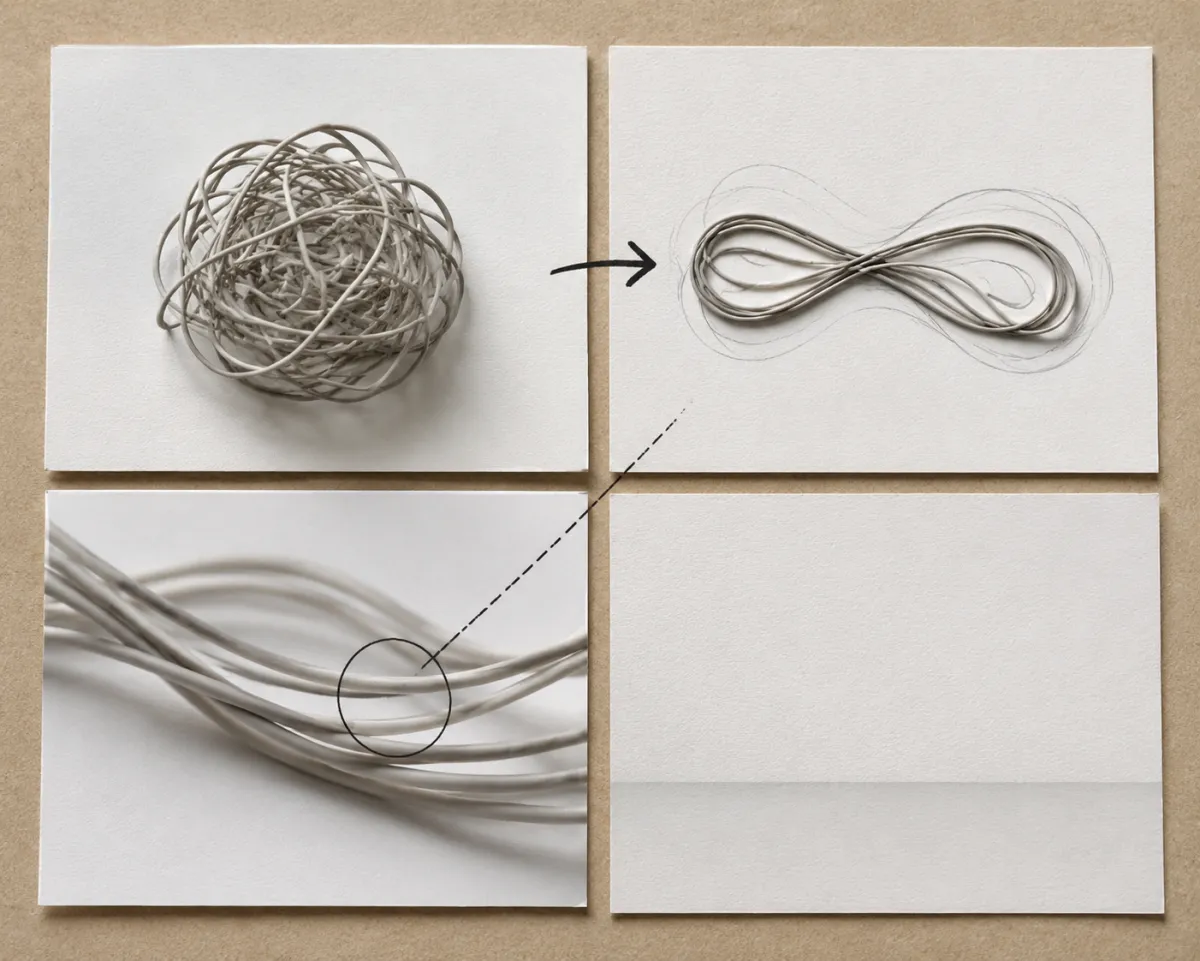
The generated clip carries visual motion; the final edit carries the exact explanation.
Make the output usable in an edit
Leave room for captions and do not build the composition around tiny generated lettering. Choose the aspect ratio for the destination before you generate. A vertical social explainer needs room above and below the subject; a wide website clip needs room beside it.
Use the aspect ratio and duration guide to choose the frame early. Then keep the duration short enough that each shot can be inspected. A clean three-second visual is often more useful than a fifteen-second scene that drifts away from the script.
Review facts, accessibility, and brand details
Before publishing, verify that the video does not imply a feature, result, partnership, testimonial, or price that is not true. Add captions for spoken information. Check that the visual does not make an unsafe claim through implication either.
The AI explainer video generator is a production aid, not a source of facts. Your script, claims, labels, and CTA should be created and checked separately.
FAQ
Can AI make an explainer video from text?
It can help create short visual shots from a prompt or reference image. A strong explainer still needs a human-written script, verified claims, captions, and an edited sequence.
How long should an AI explainer clip be?
Keep each generated shot as short as the action allows. Build a longer explanation from several clear shots rather than asking one generation to tell the whole story.
Should I put text in an AI video prompt?
Use the prompt to describe the visual action. Add exact text, product names, data, and calls to action in an editor where the wording can be checked.
Related guides
- Explore Seedance prompts
- Seedance prompt examples
- Aspect ratio and duration guide
- Long-form AI video planning
Make one claim visible, keep the generated motion simple, and let the final edit carry the facts.