
Seedance 2.5 Music Video Prompts for Short Visual Clips
Plan short AI music video visuals with Seedance 2.5 prompts: one beat, one camera move, and one stable subject per editable clip.
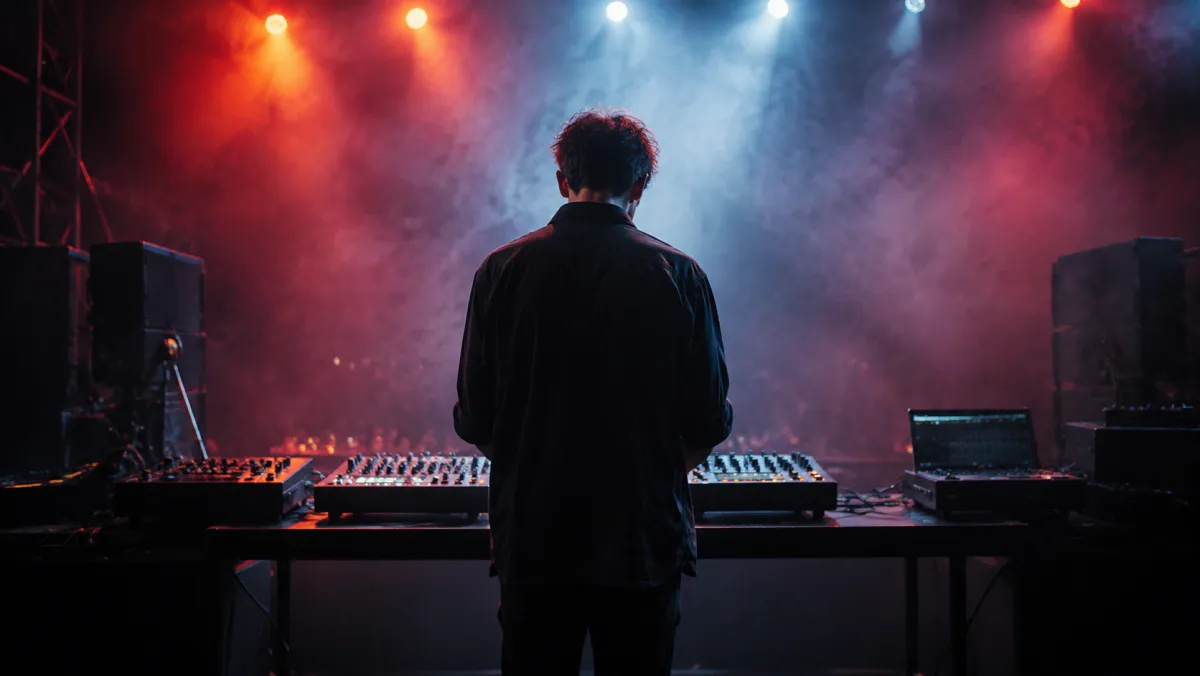
The practical way to use Seedance 2.5 for a music video is to make short visual building blocks, not to ask for a finished three-minute film in one prompt. Give each clip one beat, one subject, and one camera move; then edit the usable shots to licensed audio later. Start in the Seedance 2.5 video generator with a clear visual direction and avoid prompts that imitate a real artist or use unlicensed lyrics.
Last updated: July 14, 2026 - about 7 min read
Think in visual beats
A music-led clip needs a visual event that can land in a few seconds: a light change, a turn toward camera, fabric moving, a door opening, a silhouette crossing a frame. The beat is not necessarily a literal drum hit. It is the moment that gives an editor a clean place to cut.
The strongest Seedance music video prompts keep three things simple:
- One subject: a fictional performer, an object, or a setting.
- One action: turn, step, light sweep, drifting fabric, or slow reveal.
- One camera instruction: locked frame, slow push, short lateral move, or gentle orbit.
This keeps the output usable even when you later change the song, pace, or final sequence.
A prompt structure that stays editable
Use this structure and replace only the bracketed parts:
Create a short cinematic visual clip. Subject: [fictional performer or object]. Setting: [specific place and time]. Action: [one controlled action]. Camera: [one move]. Lighting: [one visual direction]. Keep identity, outfit, and background stable. Avoid readable text, logos, and sudden scene changes. End on a clean frame.
For example:
Create a short cinematic visual clip. Subject: a fictional fully clothed performer in a reflective silver jacket. Setting: an empty blue-lit studio at night. Action: the performer turns slowly as light moves across the floor. Camera: slow push-in. Keep identity, outfit, and background stable. Avoid readable text, logos, and sudden scene changes. End on a clean frame.
It is more controllable than "make a viral music video," which leaves too many decisions to the model.
Four short-shot ideas
| Shot | Prompt focus | Editing use |
|---|---|---|
| Opening atmosphere | One object or silhouette, light coming on | Establish the mood |
| Motion beat | One turn, step, or fabric movement | Cut on a rhythm change |
| Texture insert | Light, water, smoke, glass, or fabric detail | Cover a transition |
| Clean ending | Subject holds position or camera settles | Leave room for title treatment in editing |
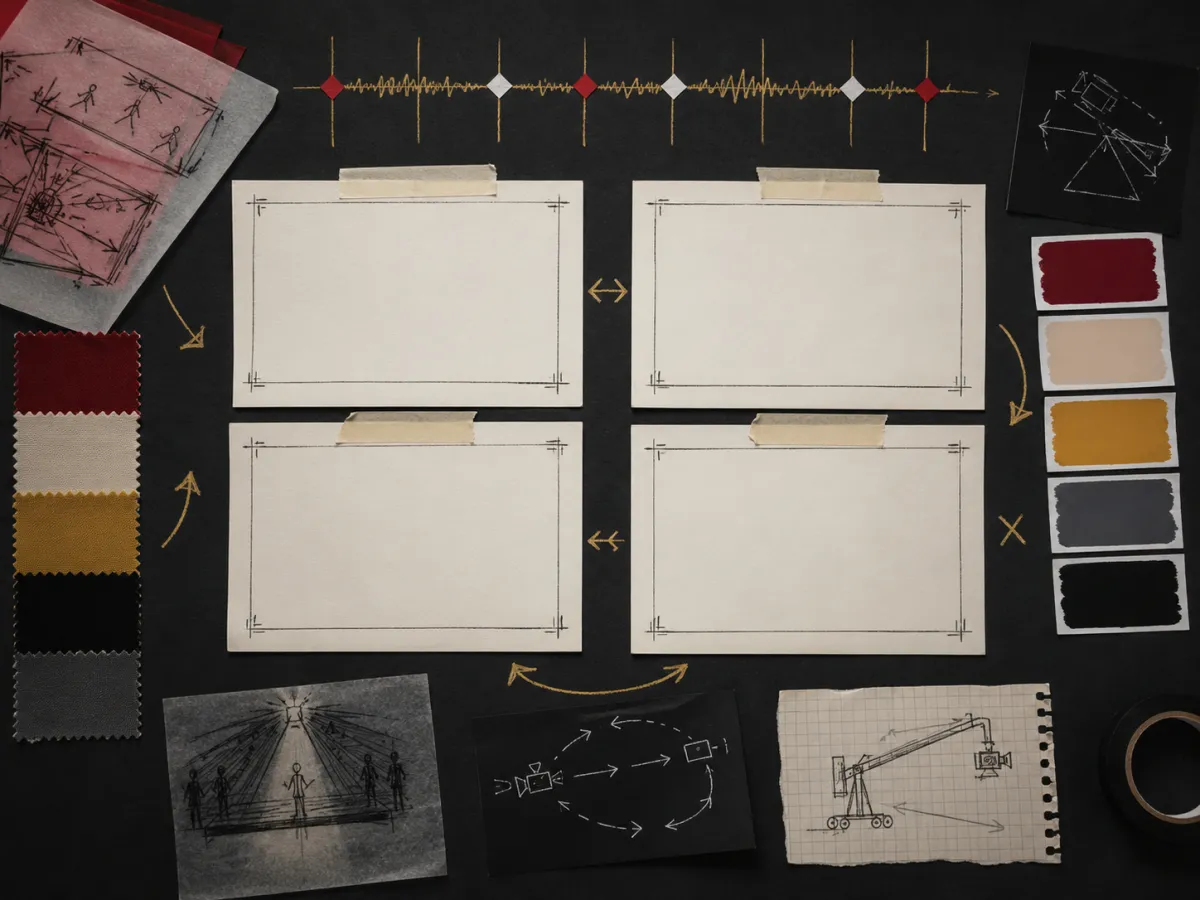
Build separate, editable visual beats. The finished edit, audio, captions, and rights checks happen outside the generation prompt.
Keep the work legally and creatively clean
Do not ask the model to recreate a named artist, celebrity, recognizable music-video scene, or copyrighted lyrics. Do not upload a person's likeness unless you have their permission. Use licensed or original music in the final edit, and review the platform terms that apply to your account and intended commercial use.
The model can provide visual material. It does not clear music rights, create a performance release, or verify a campaign claim. That boundary is especially important if the clip will become an ad.
Troubleshoot the common failures
The subject changes between clips. Reuse one reference and keep the outfit, hair, setting, and framing simple.
The scene is busy. Remove extra actions. A walking subject, a moving crowd, rain, fireworks, and an orbiting camera are five jobs, not one.
The clip has no edit point. End with a stable frame. It gives you a cleaner cut than an action that never resolves.
The visual does not match the song. That is normal at generation time. Build several neutral beat lengths, then choose the best alignment in an editor.
For more general language patterns, use Seedance 2.5 prompt examples and camera movement prompts.
Frequently asked questions
Can Seedance 2.5 make a music video?
It can generate short visual clips that you can edit into a music-video sequence. The most reliable workflow is one controlled shot per generation, followed by audio and final editing in a dedicated editor.
What makes a good AI music video prompt?
Name one subject, one action, one camera move, and one lighting direction. Protect the elements that need to stay stable, and end on a clean frame for editing.
Can I use a famous singer or song in a prompt?
Avoid using a real person's likeness, a named artist's style, or unlicensed lyrics and music. Use fictional subjects and make sure you have rights for the audio and people in the final release.
Start with one visual beat
Use Seedance 2.5 to build a short, clean clip, then let your edit decide where it belongs in the finished music video.