
Seedance Lighting Prompts for Short AI Videos
Use practical Seedance lighting prompts to specify source, direction, color, contrast, and what should stay stable in a short AI video scene.
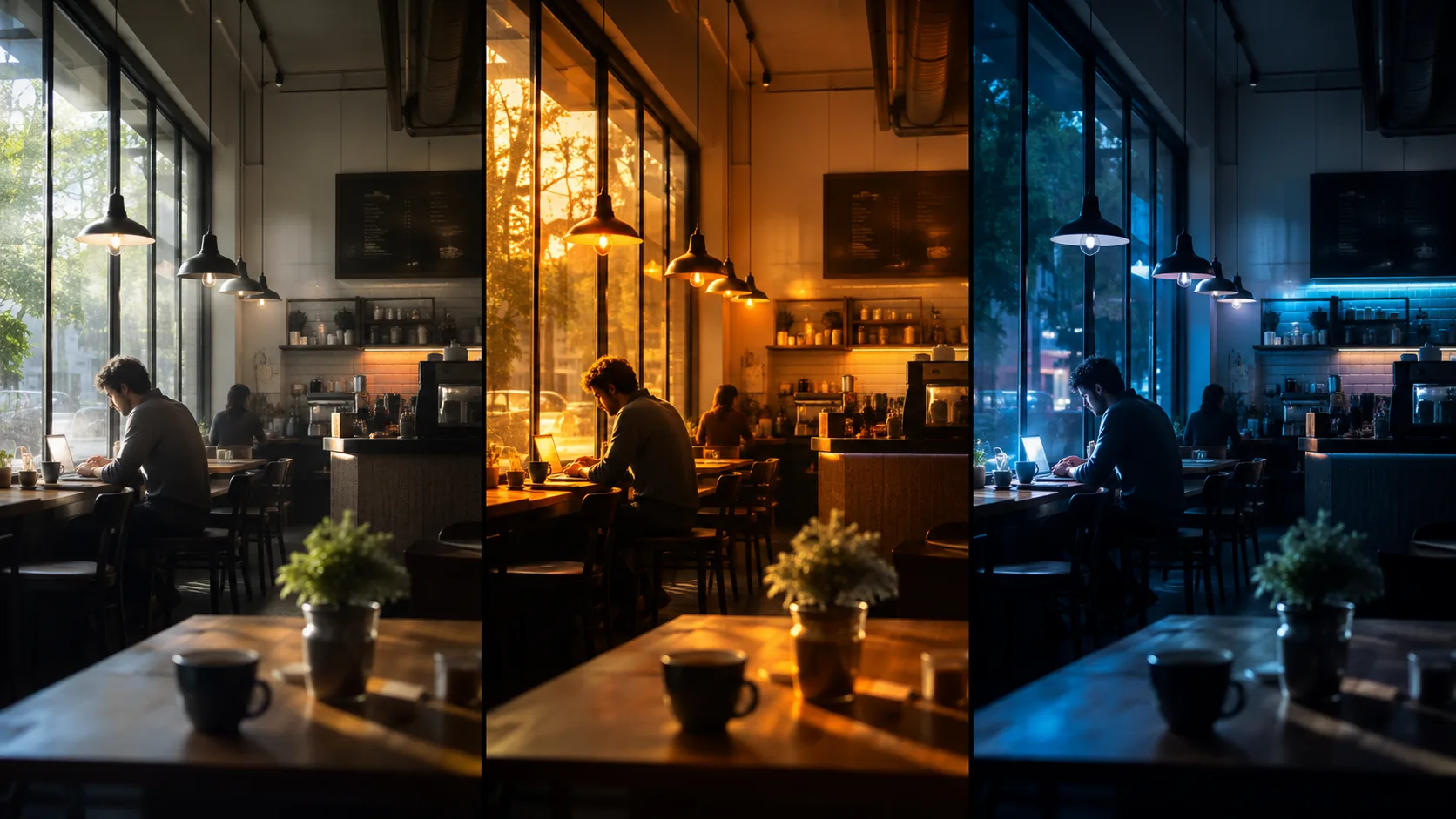
Seedance lighting prompts work best when they describe a source, direction, color, contrast, and the subject that must stay stable. “Cinematic lighting” is a mood; “soft window light from camera left, warm face highlight, background two stops darker” is a usable instruction.
Last updated: July 25, 2026 · about 5 min read
Build the lighting line
Add one short lighting module after your subject, setting, action, and camera direction. Keep it specific enough to test but not so overloaded that the model has to solve five competing scenes.
| Look | Lighting module to adapt |
|---|---|
| Soft daylight | soft overcast window light from camera left, gentle shadow, neutral skin tone |
| Warm evening | low warm sunset backlight, subtle rim on hair and shoulders, preserve face detail |
| Night street | cool blue ambient street light, one warm reflected highlight, controlled contrast |
| Product studio | large soft key light, clean edge separation, no changing label or product shape |
The subject and action stay constant so the lighting difference is easier to judge.
Put light in a complete Seedance prompt
Try this structure:
Short vertical video. A ceramic cup on a wooden café table, steam rising slowly. Camera makes a gentle push-in. Soft overcast window light from camera left, neutral color, subtle shadow below the cup. Keep cup shape, table grain, and background stable. Avoid extra objects, warped edges, readable text, or a sudden scene change. End on a centered product frame.
The lighting sentence has one job. The final-frame and stability sentences have different jobs. Separating them makes a Seedance prompt easier to troubleshoot.
Three mistakes that make lighting drift
- Using mood words only. “Epic” and “beautiful” do not tell the model where light comes from.
- Changing every variable. If you change the camera, subject, action, and light together, you cannot learn which choice caused the result.
- Forgetting the anchor. If a face, product, outfit, or setting matters, say what must remain stable.
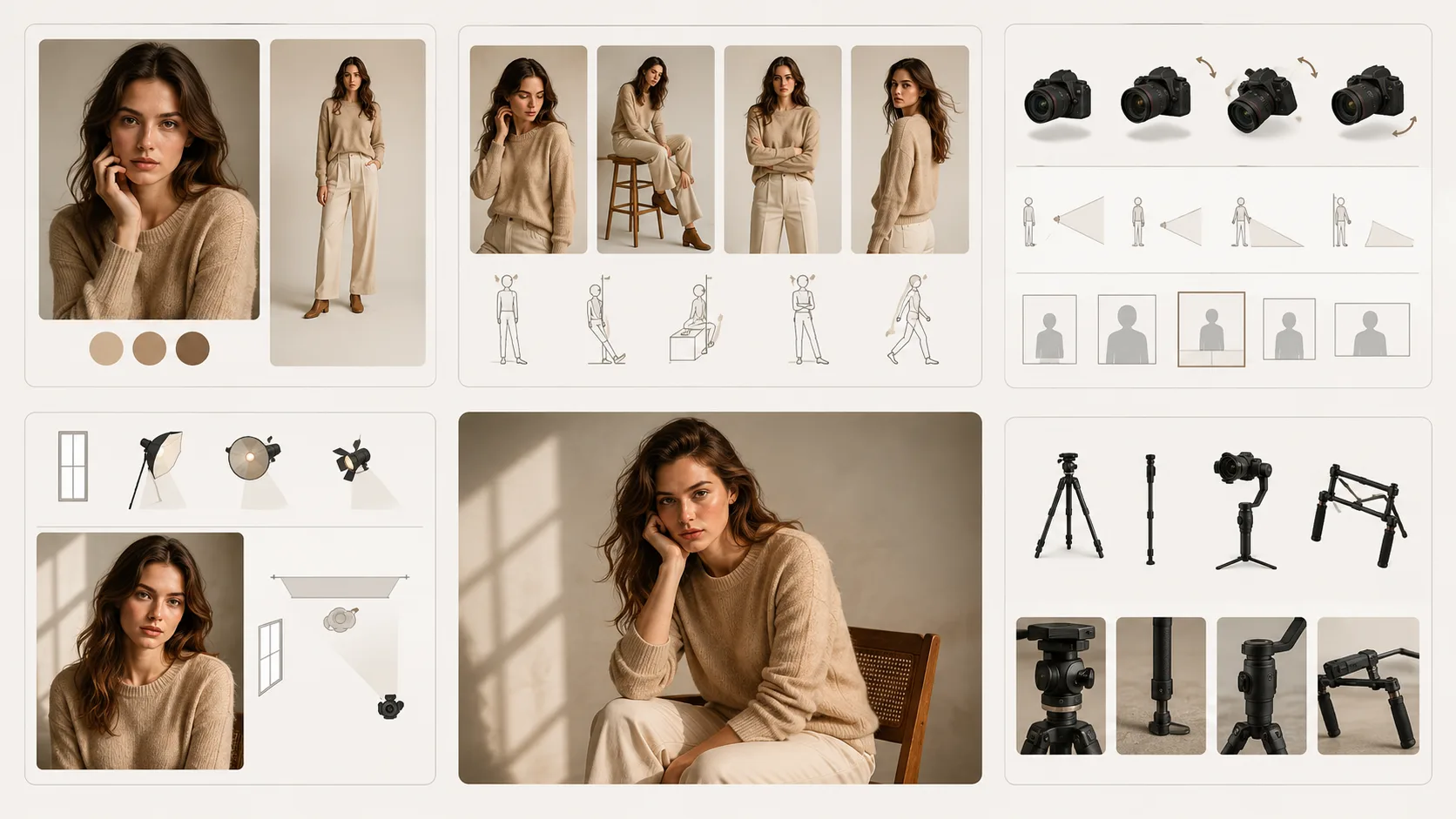
Treat lighting as one controllable part of the shot, not a substitute for a scene plan.
Test one lighting choice at a time
Run the same core scene with two lighting modules, then compare the subject edge, background separation, material texture, and final frame. If you are working from a reference, do not claim the model will preserve every physical detail; review the output before using it in a customer-facing asset.
For the wider shot structure, see cinematic Seedance prompts. For motion, use Seedance camera movement prompts. The best Seedance prompts make each visual decision clear enough that you can revise it deliberately.