
Is It Safe to Upload Images to Seedance? A Checklist
Use this Seedance image-upload privacy checklist before generating a video from a portrait, product photo, or location image.
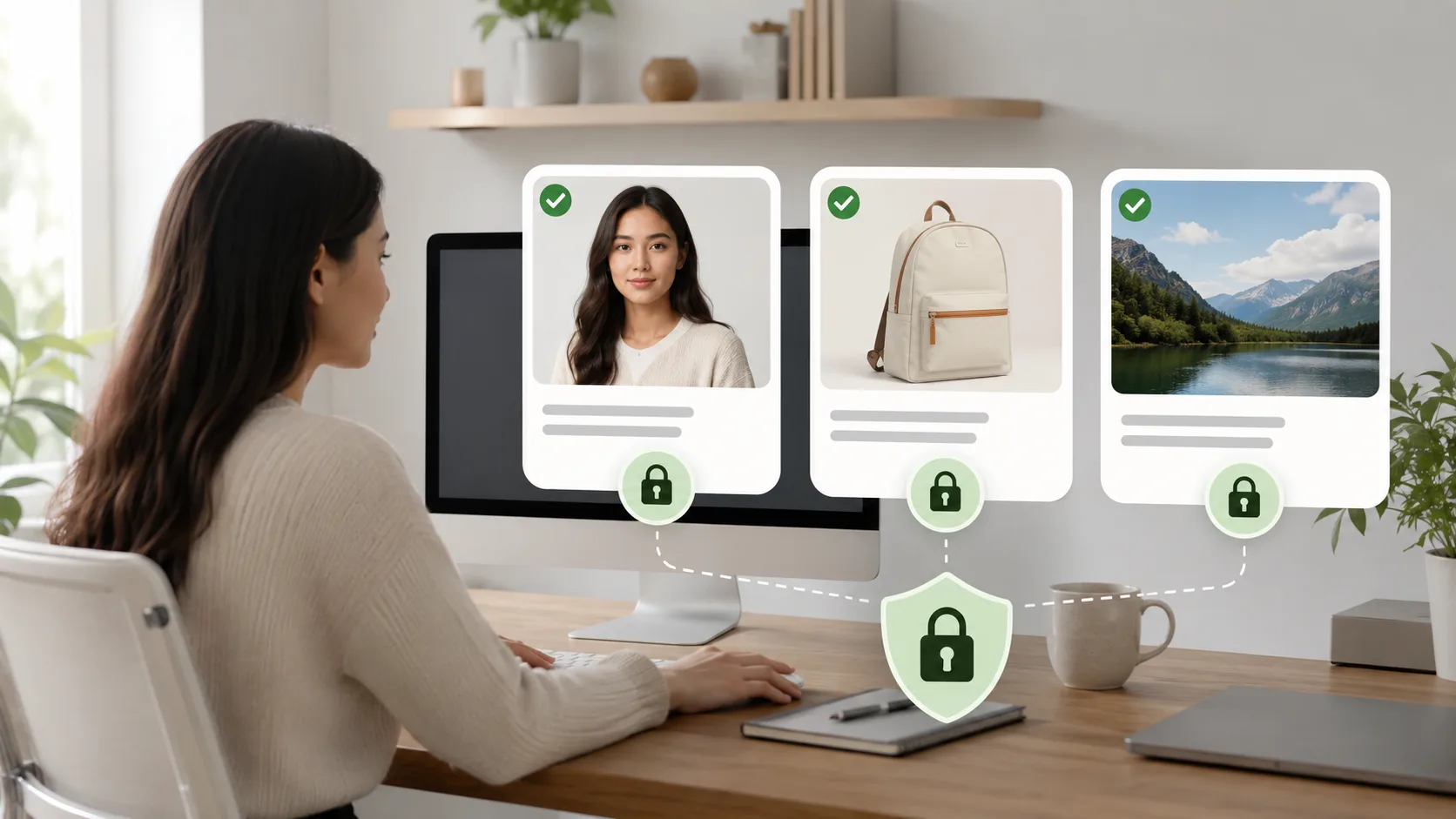
Before you upload an image to Seedance, check whether you have permission to use it, whether it reveals sensitive information, and whether the planned video could mislead someone about a real person, product, or place. A privacy checklist cannot replace legal advice or the current service terms, but it can prevent obvious mistakes before a generation starts.
Last updated: July 27, 2026 · about 6 min read
The safest workflow is simple: choose a permitted source, remove unnecessary personal details, decide what motion is appropriate, and review the full output before you share it.
Ask what the source reveals
| Source image | Check before upload |
|---|---|
| Portrait | Consent, visible ID badges, private background details, intended use |
| Product photo | Ownership, unreleased packaging, labels, pricing, or client information |
| Home or location | Address clues, license plates, children, security details, or private documents |
| Screenshot | Account names, messages, metadata, and confidential work |
Confirm you can use the image
Only upload images you created, own, or have permission to use for the planned generation. Permission should match the use: a photo someone agreed you could keep privately is not automatically suitable for a public animation, a marketing mockup, or an ad.
This matters most with recognizable people. Do not treat an image-to-video tool as permission to animate a colleague, client, stranger, or public figure. For a reference-focused workflow, see the reference image rights and quality checklist.
Remove what the video does not need
Crop or blur unnecessary information before you upload. A clean product image rarely needs a shipping label. A portrait test rarely needs a full home interior. The less unrelated information the source contains, the easier it is to keep the generation focused too.
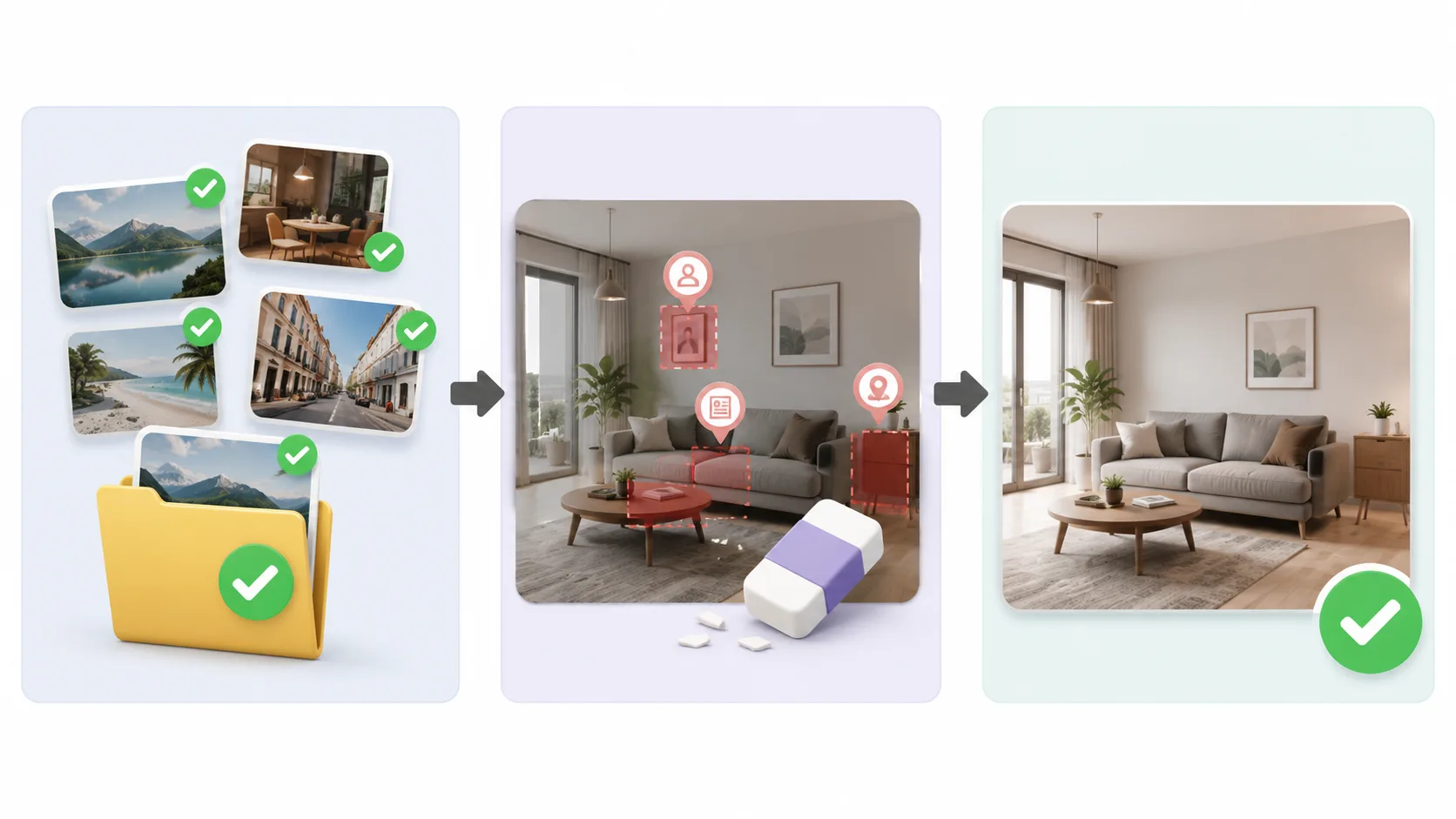
Use the minimum source information needed for the shot.
Review the output before publishing
Seedance can turn a still into motion, but generated video can add or alter visual details. Check for invented identifiers, distorted faces, misleading context, or a result that implies a real event. If the video is for a client, a product, or a public audience, have an accountable person review it before distribution.
For portraits, keep the motion modest and consent-aware; Seedance portrait animation explains a practical approach. For the generation workflow itself, start with Seedance image-to-video. Good privacy practice is not a one-time checkbox—it is the habit of treating every source image as information someone trusted you to handle carefully.