
Seedance 2.5 Pet Video Prompts for Short Clips
Use Seedance 2.5 pet video prompts to animate an approved pet photo with small, believable motion and a careful review pass.
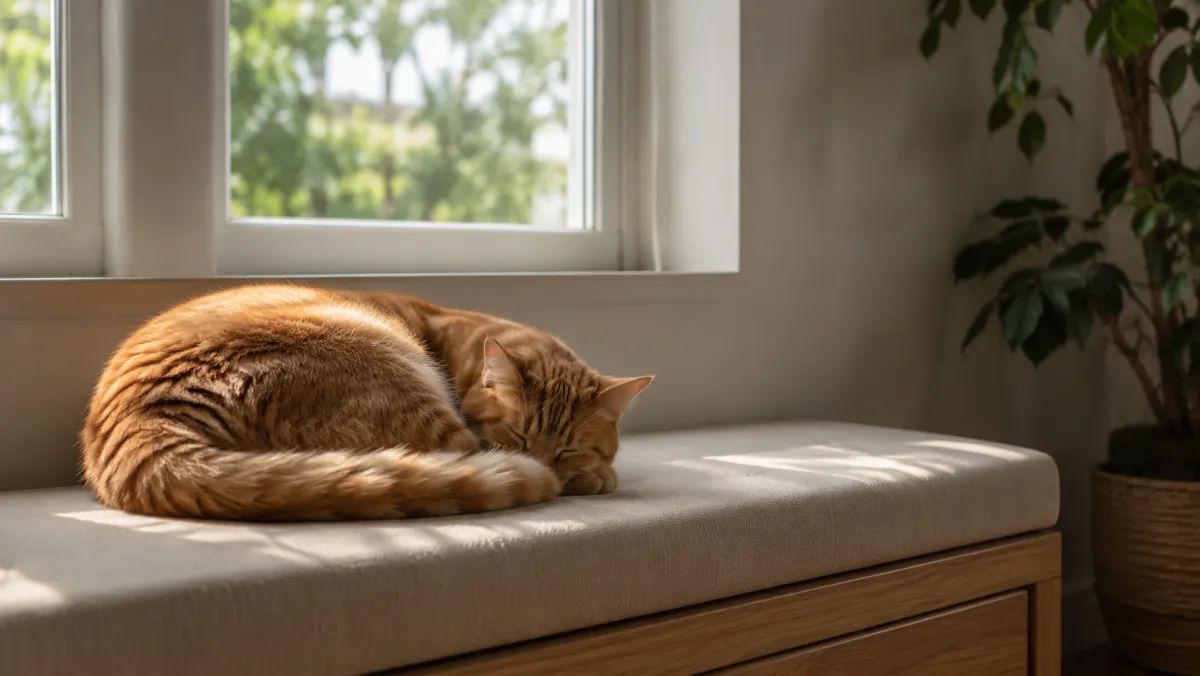
Seedance pet video prompts work best when you animate a small moment that already makes sense in the source photo. An image-to-video AI workflow can add a blink, a head turn, a tail movement, or a gentle camera push. It is less reliable when you ask it to redesign the animal, add a crowd, or make several big actions happen at once.
Last updated: July 13, 2026 - about 6 min read
Quick answer
Use a clear pet photo, ask for one small motion, name what must stay stable, and review the entire clip. Start with a calm action such as a slow blink, ear movement, tail swish, or gentle look toward the camera. Keep collars, markings, paws, background objects, and the animal's proportions stable in the prompt. A Seedance pet video prompt should protect the details that make the animal recognizable.
Only upload photos you have the right to use. A pet video is still a real person's photo asset if somebody else took it or if it contains private people, locations, or information.
Pick a motion that fits the still image
The source image already sets the limits. If the pet is lying down, a small head lift may make sense; a sprint across a new landscape probably does not.
| Source photo | Best first motion | Avoid asking for |
|---|---|---|
| Cat resting by a window | Blink, ear turn, small stretch | Sudden jump or full room redesign |
| Dog sitting outside | Tail swish, look toward camera | Extra people, new leash, fast running |
| Bird on a perch | Small head turn, feather movement | Complex flight through a new scene |
| Pet close-up | Gentle breathing, blink, slight push-in | Large paw gestures near the lens |
An image-to-video AI result gets more believable when the motion has a physical reason and a short distance to travel. That restraint also makes a Seedance pet video easier to inspect before sharing.
Use a stable prompt structure
Write the subject, existing setting, one action, one camera choice, and the things that must not change.
Use the uploaded photo as the first frame. Create a short vertical pet video. The cat sits on the window cushion, blinks once, turns its ears slightly toward a soft sound, and makes a small tail movement. Camera stays locked with a very gentle push-in. Keep the cat's markings, eye color, collar, cushion, window, lighting, and body proportions stable. Do not add people, extra animals, text, or new objects. End on a calm close frame.
Run a short first test. If the eyes, paws, or collar drift, simplify the requested movement before adding anything else.
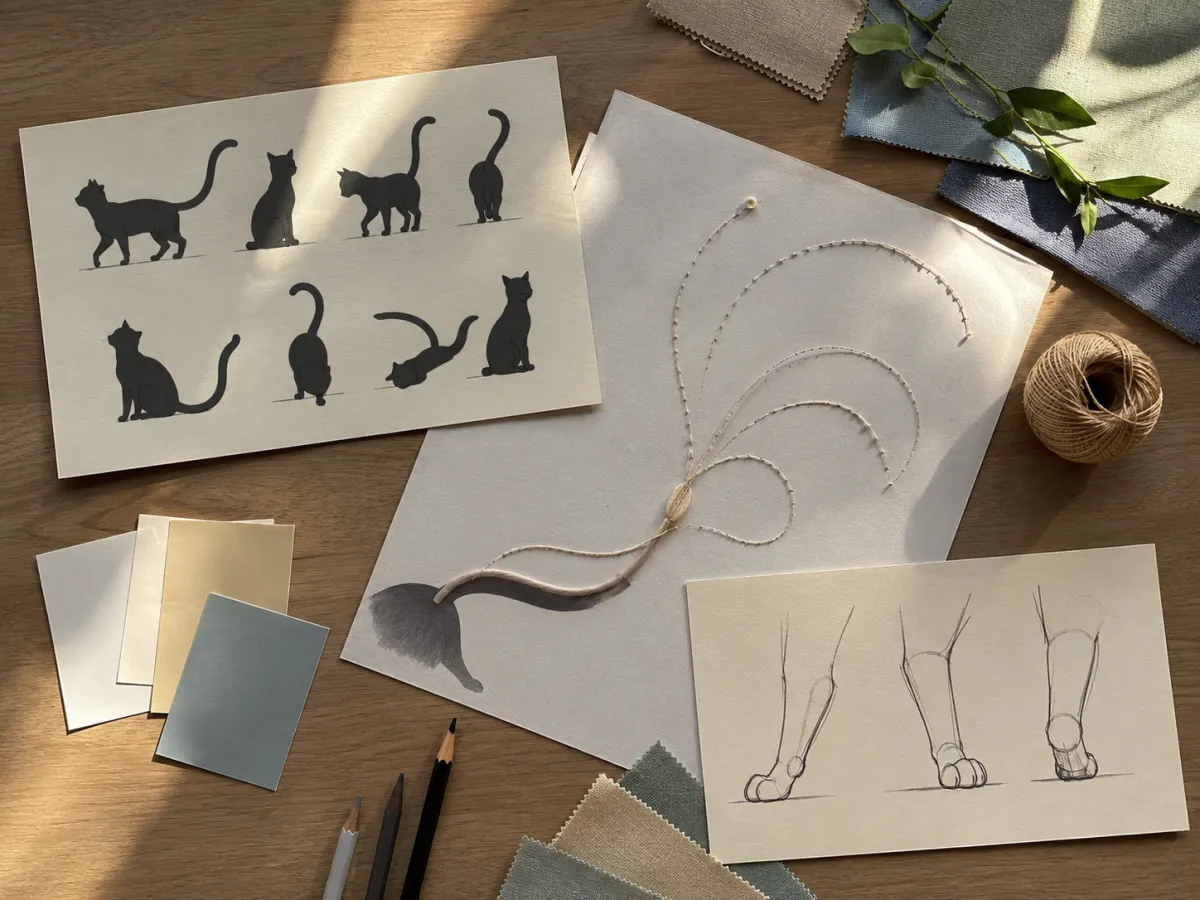
A small, credible action is easier to preserve than a large performance.
Review the full clip before sharing
Do not judge a pet video from the opening frame alone. Watch through the end and check the parts that can change quickly:
- Face markings, eye color, and ear shape.
- Paw count, contact with the floor or cushion, and body proportions.
- Collar, tag, harness, and nearby objects.
- Background geometry, windows, furniture, and reflections.
- Any people, address details, or private information visible in the source.
If a detail changes in a way that matters, regenerate or use a shorter crop. Do not post a clip that could mislead people about the animal, a product, or a real event.
Keep the final edit simple
Add caption text in an editor, where it can be checked and changed. Avoid turning an ordinary pet clip into a health, training, adoption, or product claim unless you have real evidence and the appropriate permission. The generated motion should carry a small visual moment; the surrounding post should remain accurate.
For a more general setup, see the Seedance image-to-video guide and cinematic prompt guide.
FAQ
What pet photo works best for image-to-video AI?
Use a sharp, well-lit photo with one pet, a visible face, and a simple background. The animal should not be heavily covered by hands, furniture, or other pets.
Why do paws or faces sometimes look unstable?
Small detailed areas can be difficult when the requested action is too large or too fast. Use one gentle movement, a stable camera, and a source photo with clear details.
Can I use a pet video in a brand post?
Check your rights to the source photo, the current provider terms, and every claim in the finished post. Do not imply endorsements or outcomes that you cannot verify.
Related guides
- Try Seedance image-to-video
- Seedance cinematic prompts
- Seedance text-to-video prompt guide
- How to make realistic AI videos
Use Seedance 2.5 pet video prompts to animate one small, real-looking moment, then review the full result before it leaves your draft folder.