
How to Build a 30-Day Short Video Calendar With Seedance 2.5
Build a practical 30-day AI video content calendar with Seedance 2.5. Plan content pillars, source assets, small tests, review notes, and reusable variations.
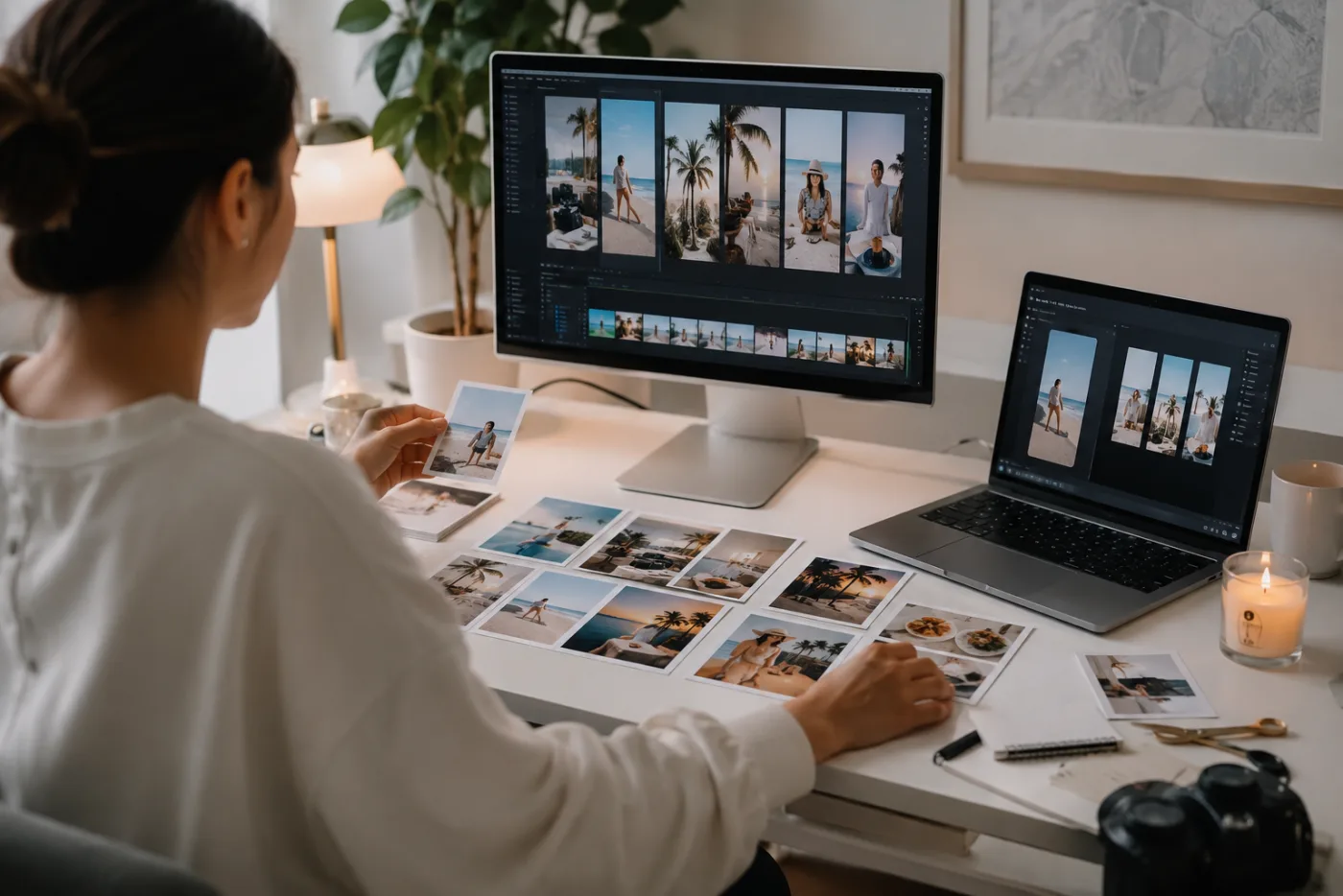
A useful 30-day AI video content calendar is not thirty unrelated generations. It is a small set of repeatable content pillars, source assets, and controlled variations that tell you what to make next. Seedance 2.5 can help turn a clear image or scene into short motion tests, but the calendar still needs a real audience question and a review process. Use the Seedance 2.5 AI video generator for the motion experiments, then schedule only the versions that remain clear after you inspect them.
Last updated: July 17, 2026 - about 10 min read
A month of short video can become expensive and tiring when every post starts from a blank prompt. Teams generate an attractive clip, post it, and then face the same question the next day: what now? A content calendar solves that only when it is built around reusable decisions rather than a long list of formats.
The practical unit is a content pillar: a repeatable reason for a viewer to watch. A product team might show one detail, one use context, one behind-the-scenes process, and one recurring question. A creator might use a photo-to-motion story, a visual experiment, a response to a common question, and a short series. Seedance 2.5 can create the motion beats. It cannot decide whether the audience needs another variation of the same idea.
Begin with four pillars, not thirty titles
Choose four pillars that match what you can truthfully show and what a viewer could recognize as a series. Keep them small enough that one source asset can support several variations. The aim is not perfect category coverage; it is a month you can actually produce and review.
| Pillar | Audience question | Seedance test to make | Source asset needed | Stop rule |
|---|---|---|---|---|
| Product or object detail | What is the thing and why should I notice it? | One controlled push, reveal, or light movement | Clear product image with visible edges | Stop if the product changes shape or detail |
| Use context | Where does this fit in a real moment? | One simple scene motion around a stable subject | Permitted, uncluttered lifestyle image | Stop if the scene implies an unverified use |
| Process or craft | What happens before the finished result? | A short sequence of distinct still-led moments | Real process photos or approved concept frames | Stop if the motion invents factual steps |
| Recurring visual series | Why return for another version? | Same visual structure with a different input each time | Consistent, owned source set | Stop if the second version is indistinguishable from the first |
This table also protects the generation budget. A pillar should have a reason to exist beyond filling a day. If you cannot name the audience question, it may be a visual effect rather than a content idea.
Map the month as weekly tests
Instead of writing a daily script first, use each week for a small cycle: plan, generate, inspect, publish, and learn. The first week should establish the source and format. The second can adapt the strongest direction. The third can compare a different opening or source. The fourth can consolidate the concepts that earned useful attention or feedback.
A simple 30-day pattern is three publishable clips per week, one review day, and a buffer for edits or reshoots. This leaves room for the reality of AI video: some source images will not support the motion you expected, and some outputs will be promising without being ready to publish. A content calendar that assumes thirty perfect first renders is not a plan; it is a wish.
Use the AI video generator only after you know the single motion job for the source. “Slow camera push across a stable product with soft reflected light” is a testable request. “Make a month of viral content” is not.
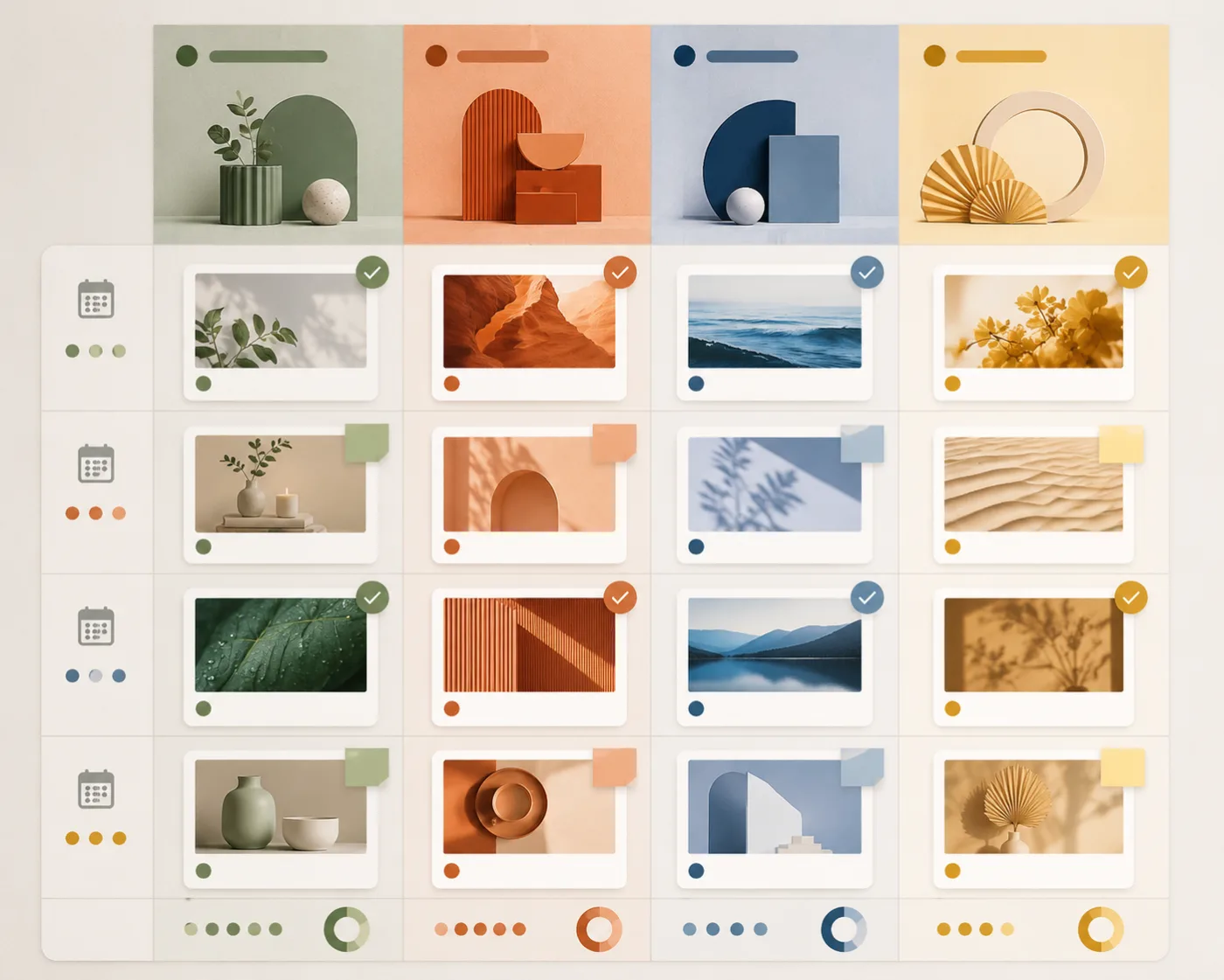
The calendar visual is a planning device, deliberately different from the hero’s creator-at-desk scene.
Give every clip one job
For each scheduled item, write one sentence that says what the viewer should understand in the first second. It might be “the ceramic cup is the subject and the steam creates the motion,” “the bag is shown against a clean neutral background before the detail reveal,” or “this is the original travel photo before a gentle camera drift.”
Then write one sentence that says what must remain stable. A product silhouette, a person’s face, a background, a garment, or a key object cannot be treated as an afterthought. Put it in the prompt before you add the motion. Seedance 2.5 is most useful when the source and the requested movement are simple enough to inspect.
This helps you avoid a familiar failure pattern: a prompt asks for a new setting, a new story, a new wardrobe, a fast camera move, and a detailed interaction at the same time. The output may be energetic but it is difficult to reuse, difficult to explain, and difficult to make accurate. A short video calendar needs reliable building blocks more than one spectacular accident.
Plan source assets before prompt writing
List the images you own or have clear permission to use. Mark which ones are suited to a product reveal, portrait movement, environmental motion, or a simple transformation. A sharp, centered product image may work well for a reveal and poorly for a complex hand interaction. A face-forward portrait may support a subtle turn and not a full-body dance. The still does much of the work.
For every source, record: what is visible, what must not change, the intended crop, the motion it can support, and any factual or rights constraints. This note takes a minute and prevents a lot of unguided rerenders. It also makes it easier to hand the calendar to another person without losing the intent behind each slot.
Use real product photography and verified details for statements customers need to trust. Generated motion is a poor place for tiny text, a required label, an exact price, or a technical demonstration. Keep those elements for a normal editor and use the AI clip as the visual beat underneath.
Review the first render like a producer
Do not judge a clip only by whether it feels impressive. Watch it once without sound and look for the first frame where the intended subject becomes hard to recognize. Check whether the motion supports the message or competes with it. Check the crop on the platform where it will appear. Ask whether the clip leaves room for captions or an end card.
If it fails, change one variable. Reduce the motion. Use a clearer source. Remove a competing scene change. Change the crop. Do not change the image, prompt, duration, camera, style, and message all at once, because the next render will not tell you what improved.
Keep a short production note: pillar, source, intended first-second message, prompt change, result, and next action. That note is what turns a content calendar into a learning system. It lets you see that product close-ups work better than lifestyle scenes, or that the vertical crop needs more safe space, before you spend another month guessing.
Build variation without repetition
Repetition is not automatically bad. A recurring series can be the reason someone recognizes your work. The problem is when every clip has the same source, same motion, and same payoff. Keep one element stable so the series is recognizable, then change one meaningful element: the product detail, question, scene, source color, opening frame, or practical takeaway.
For example, a product series can use the same quiet reveal structure while each clip isolates a different material or use context. A travel-photo series can keep a gentle camera drift while the first frame, location, and visual question change. This is more sustainable than chasing a new effect every day and more respectful of the viewer’s attention.
Keep the publishing layer separate
Before publishing, add captions, names, calls to action, prices, legal copy, and verified claims outside the generation step. Confirm that people shown have given permission for the intended use, that source assets are cleared, and that the final clip does not imply something that has not happened in real life.
The Seedance ad video workflow gives a useful product-focused version of this review. For the monthly calendar, apply the same restraint to every pillar: the generator can make motion, but you remain responsible for accuracy, context, and the finished edit.
FAQ
How many AI videos should I plan for a 30-day calendar?
Plan fewer than thirty finished clips if your team needs time to inspect and edit them. Three controlled publishing tests a week plus review and buffer time is often more useful than a daily schedule built on unreviewed renders.
What should go in an AI video content calendar?
Include a small set of repeatable pillars, the audience question for each, approved source assets, a simple motion direction, intended crop, review notes, and one next action after each test. Those fields make the calendar operational rather than decorative.
Can Seedance 2.5 create an entire month of content from one prompt?
It can generate individual clips, but one prompt will not create a coherent, truthful month by itself. A useful calendar needs distinct source assets, controlled variation, review, and a decision about what should be published.
How do I stop my AI video posts from looking repetitive?
Keep one series element stable, then change a meaningful component such as the source, detail, question, opening, or payoff. Avoid posting nearly identical renders solely because the template is easy to rerun.
Make the calendar earn the next render
A 30-day Seedance 2.5 content calendar should make production calmer, not turn it into a larger batch of random generations. Choose four pillars, give every clip one clear job, review each first render, and reuse only the formats that remain readable and honest. When a source is ready for a focused motion test, use the Seedance 2.5 AI video generator to make the next version.